Sending events to Posthog
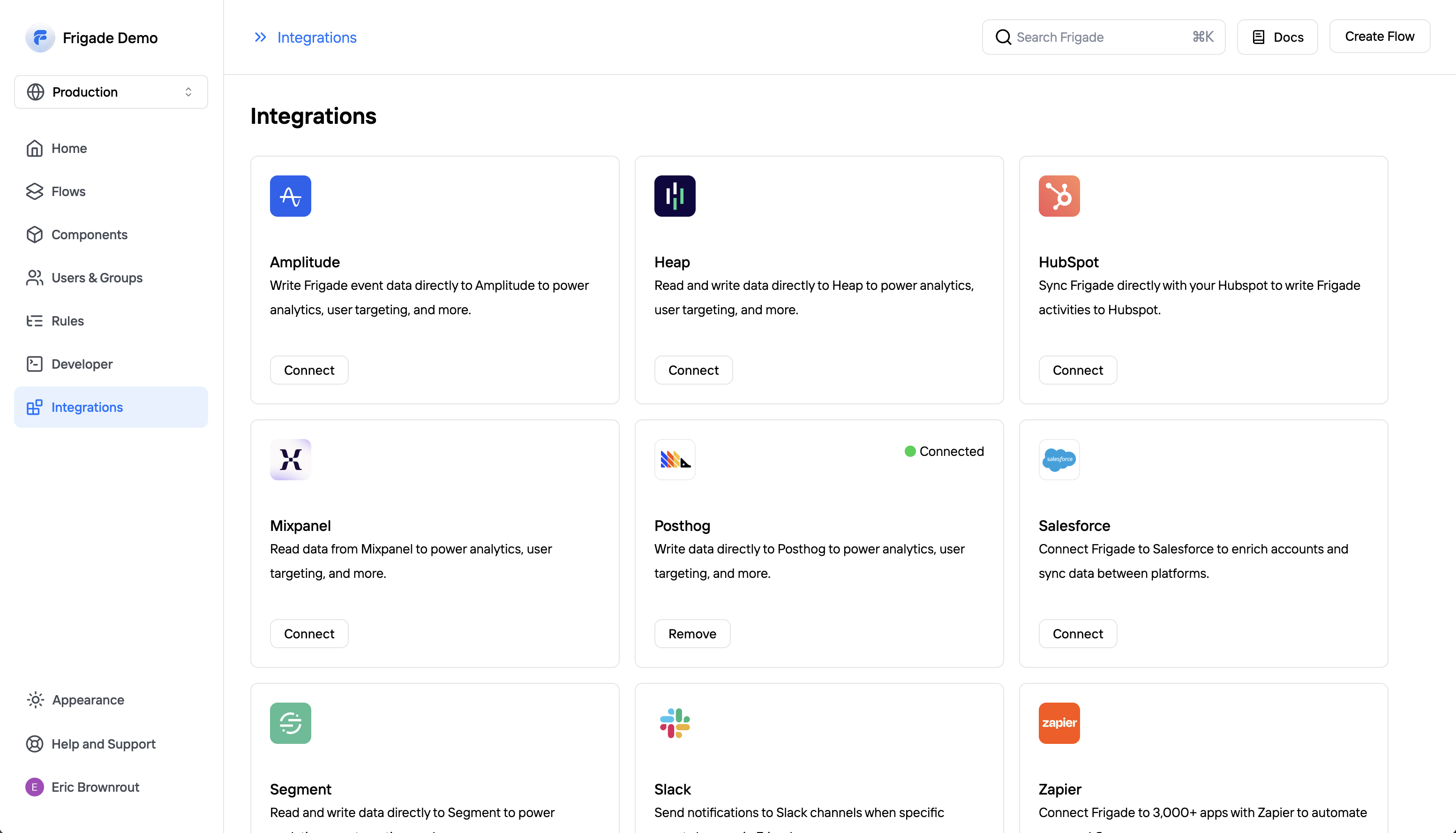
Frigade can read and write data to most modern analytics and CDP platforms. To connect Posthog to Frigade, open the Integrations page in the Frigade dashboard and click the “Connect” button. You will need your Posthog API key, which you can find in your Posthog settings as well as your Posthog instance URL.