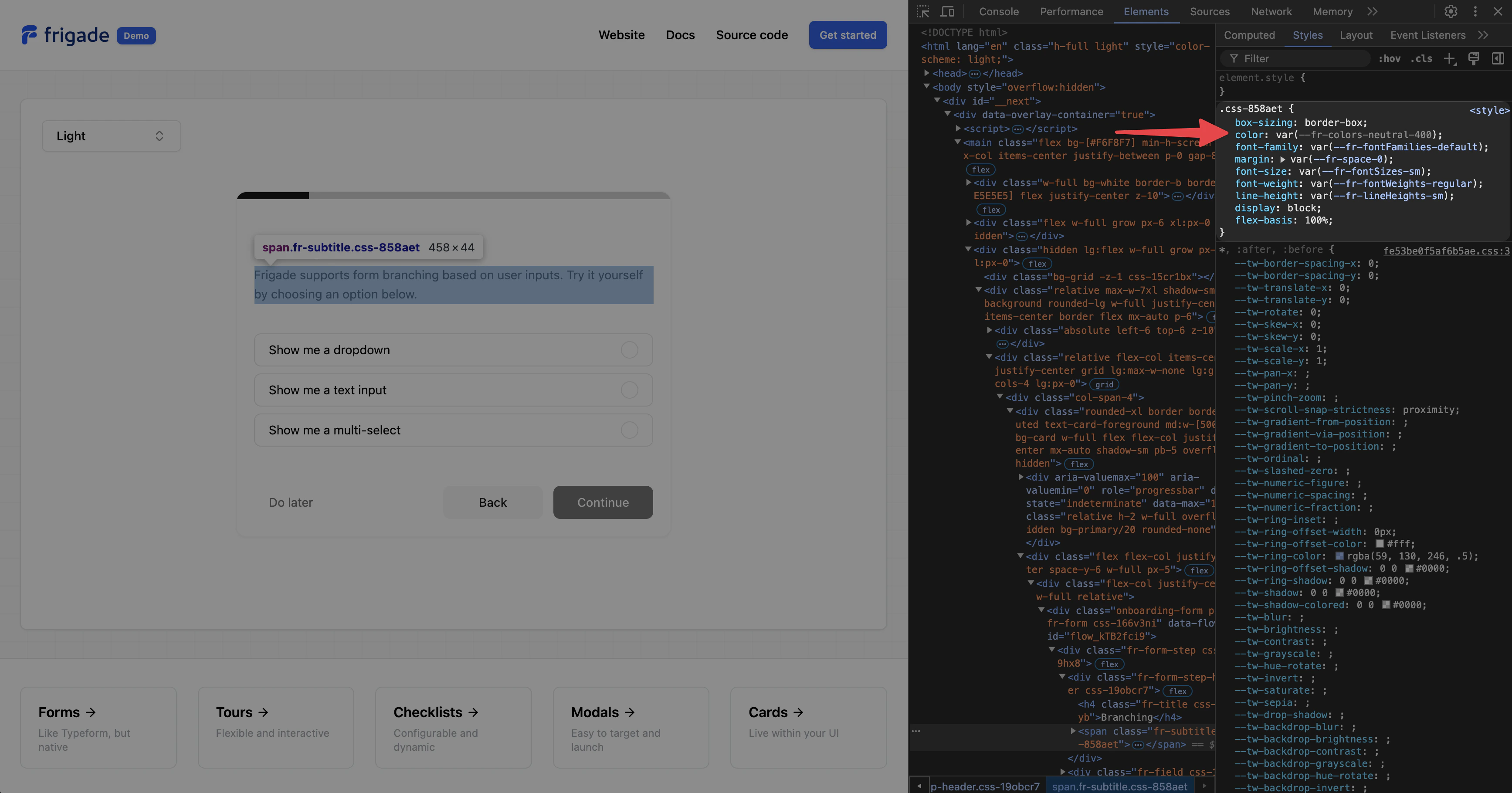
<Frigade.Provider
  apiKey="..."
  theme={{
    colors: {
      primary: {
        foreground: 'hsl(var(--primary-foreground))',
        background: 'hsl(var(--primary))',
        surface: 'hsl(var(--primary))',
        border: 'hsl(var(--primary))',
        hover: {
          background: 'hsl(var(--primary) / 0.9)',
          surface: 'hsl(var(--primary) / 0.9)',
          border: 'hsl(var(--primary) / 0.9)',
        },
      },
      secondary: {
        foreground: 'hsl(var(--secondary-foreground))',
        background: 'hsl(var(--secondary))',
        surface: 'hsl(var(--secondary))',
        border: 'hsl(var(--secondary))',
        hover: {
          background: 'hsl(var(--secondary) / 0.8)',
          surface: 'hsl(var(--secondary) / 0.8)',
          border: 'hsl(var(--secondary) / 0.8)',
        },
      },
      neutral: {
        background: 'hsl(var(--card))',
        foreground: 'hsl(var(--neutral-foreground))',
        border: 'hsl(var(--border))',
        '100': 'hsl(var(--neutral))',
        '200': 'hsl(var(--neutral))',
        '300': 'hsl(var(--neutral))',
        '400': 'hsl(var(--neutral))',
        '500': 'hsl(var(--accent))',
        '600': 'hsl(var(--accent))',
        '700': 'hsl(var(--accent))',
        '800': 'hsl(var(--accent))',
        '900': 'hsl(var(--accent))',
      },
    },
  }}
/>