> ## Documentation Index
> Fetch the complete documentation index at: https://engage-docs.frigade.com/llms.txt
> Use this file to discover all available pages before exploring further.
# Posthog
Frigade supports sending events to Posthog. The following guide will help you set up this integration in just a few steps.
## Sending events to Posthog
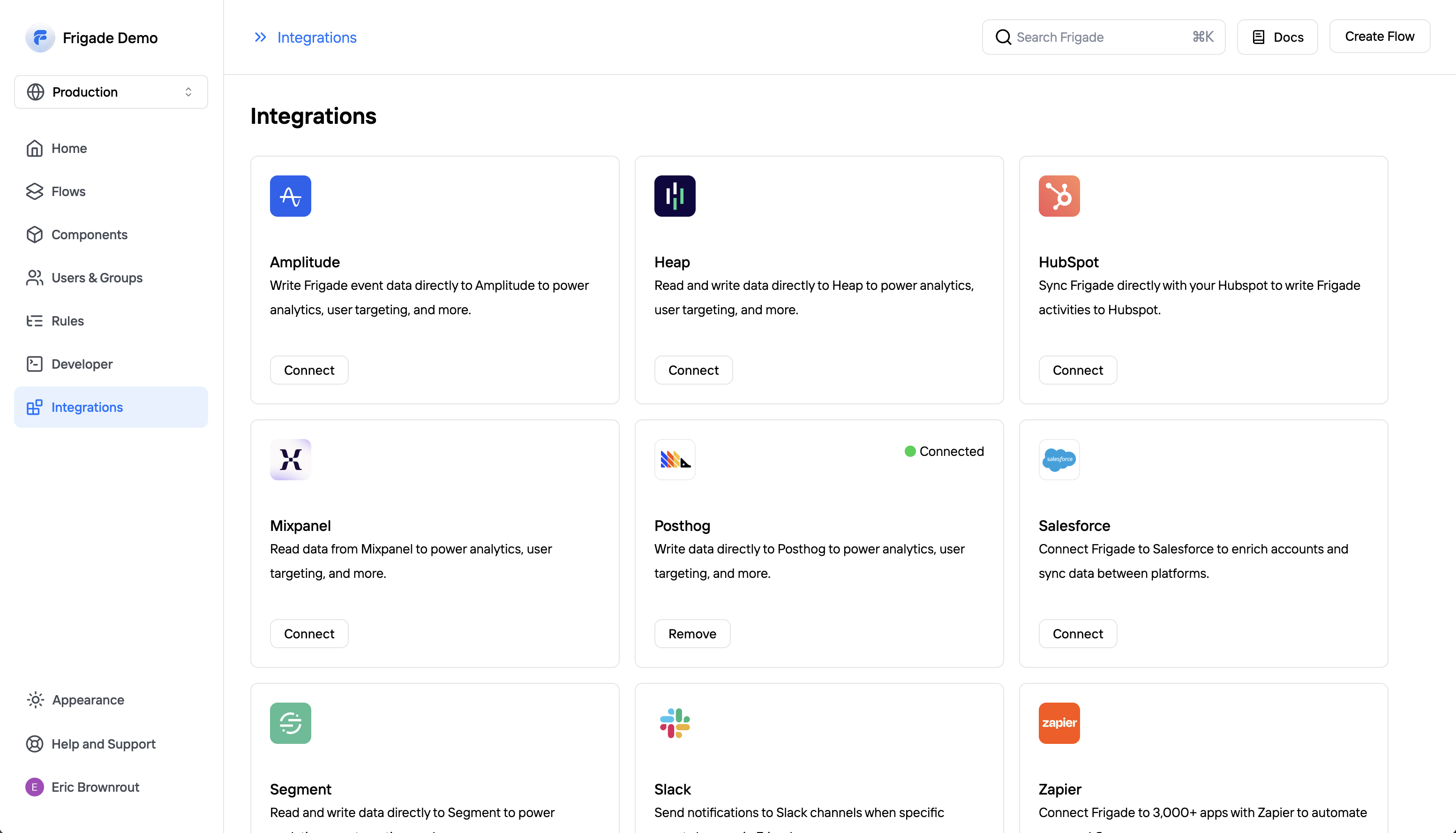
Frigade can read and write data to most modern analytics and CDP platforms. To connect Posthog to Frigade, open the [Integrations](https://app.frigade.com/integrations) page in the Frigade dashboard and click the "Connect" button.
You will need your Posthog API key, which you can find in your [Posthog settings](https://app.posthog.com/project/settings) as well as your Posthog instance URL.